SOC 2 Automation Tools: What They Automate and What They Do Not
A practical guide to SOC 2 automation tools, including what platforms automate, where manual work remains, and how to evaluate vendors.
Based on public vendor documentation, buyer feedback patterns, buyer-reported pricing ranges, and implementation requirements.
SOC 2 Automation Tools: What They Automate and What They Do Not
TL;DR
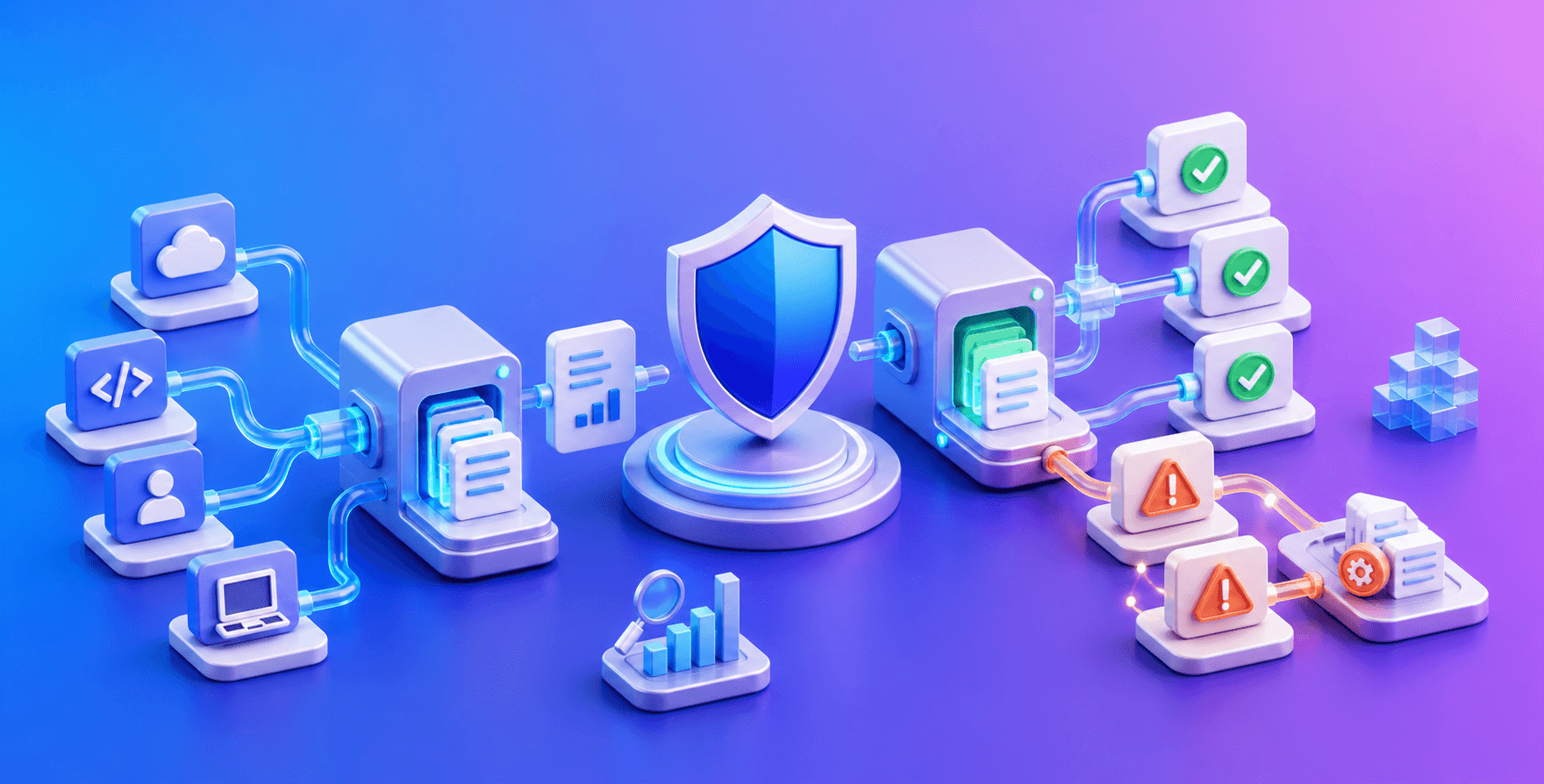
SOC 2 automation tools are useful, but they do not make SOC 2 automatic. They collect evidence, surface gaps, and organize the audit workflow. They do not make risk decisions, fix your cloud setup, or replace a real auditor.
If a vendor implies SOC 2 will be effortless, be skeptical. The best platforms reduce the evidence scramble. They do not remove the need for control owners, realistic policies, access cleanup, vendor reviews, or auditor judgment.
The real reason startups buy these tools is usually revenue pressure. An enterprise customer is asking for SOC 2, the sales team is stuck in security questionnaires, and leadership wants the fastest credible path to audit readiness. That is a valid reason to buy software, but it is not the same as outsourcing compliance.
What these tools actually automate
| Area | What gets automated | What still needs a human |
|---|---|---|
| Cloud evidence | Config snapshots and logging checks | Fixing insecure settings |
| Identity | MFA and access review evidence | Deciding who should have access |
| Devices | Encryption and screen lock checks | Handling exceptions and contractors |
| Policies | Templates and acknowledgements | Making policies match reality |
| Vendors | Inventory and review reminders | Judging vendor risk |
| Audit | Evidence organization | Auditor judgment |
| Trust center | Reusable security answers and document sharing | Deciding what buyers should see |
| Questionnaires | Draft answers and knowledge-base reuse | Reviewing accuracy and legal risk |
The distinction matters. These are evidence-management and workflow platforms. They can tell you an S3 bucket is misconfigured, a laptop is missing telemetry, or an access review is overdue. Someone still has to fix the bucket, resolve the device issue, perform the review, and decide whether the exception is acceptable.
Best-known tools
- Vanta: strong default for fast startup onboarding, broad integrations, and auditor familiarity.
- Drata: better for engineering-heavy teams that need custom controls and deeper compliance operations.
- Secureframe: useful when guided implementation and policy support matter more than deep technical customization.
- Sprinto: worth checking for lean teams that want a prescriptive task queue and lower entry price.
- Thoropass: useful when guidance and bundled audit support matter as much as software.
- EU-native tools: relevant when data residency, DORA, NIS2, or GDPR localization is part of the buyer conversation.
If you are actively shortlisting tools, use our honest Vanta vs Drata vs Secureframe guide. If your team is really trying to buy HR software, use the leading SOC 2-compliant HRIS platforms guide.
Best fit by startup stage
| Stage | Best automation posture | Why |
|---|---|---|
| Pre-revenue / under 10 people | Usually manual or lightweight tracker | A full GRC platform may burn runway before buyer demand exists |
| Seed / first enterprise deal | Vanta, Sprinto, Secureframe, or auditor-led readiness | The goal is credible speed without overbuilding governance |
| Series A / repeat enterprise sales | Vanta or Secureframe; Drata if technical owner exists | Trust centers, recurring questionnaires, and vendor reviews start to matter |
| Series B+ / multi-framework | Drata, Secureframe, Vanta, or enterprise GRC depending on ownership | SOC 2 becomes one part of a broader compliance operating model |
| EU-first or regulated | EU-native tools, Secureframe, or specialized platforms | Data residency and framework fit may matter more than SOC 2 workflow polish |
Small teams should be honest about whether software is worth it. A ten-person startup with one cloud environment, Google Workspace, GitHub, and a narrow Security-only scope may be able to get through readiness with a disciplined tracker and a responsive auditor. Software becomes easier to justify once the company has multiple systems, recurring questionnaires, trust-center expectations, or a Type II observation period to maintain.
The biggest hidden limitation
Automation reveals problems faster than it fixes them.
If your production access is messy, your offboarding process is informal, or employees use unmanaged devices, the tool will show red status. Someone still has to remediate the issue.
That remediation work is the part founders underestimate. Expect engineering time for SSO, device management, logging, vulnerability remediation, cloud hardening, vendor evidence, and access cleanup. Even with a good platform, 20-45% of controls remain manual: HR offboarding, quarterly access reviews, business continuity tests, vendor risk reviews, policy approvals, and exceptions.
There is also a security gap. A green compliance dashboard does not mean the product is secure. Most tools check configuration and evidence. They do not reliably find sensitive data sitting in Slack, Jira, support tickets, or model-training workflows. AI and data-heavy companies may need DLP, DSPM, or AI governance tooling alongside SOC 2 automation.
Pricing reality
The platform subscription is usually only part of the SOC 2 budget.
| Cost item | Realistic range | What buyers miss |
|---|---|---|
| Compliance platform | $7,500-$30,000+ per year | Scales by headcount, frameworks, integrations, and modules |
| External auditor | $10,000-$50,000 | Usually separate unless explicitly bundled |
| Penetration test | $5,000-$20,000+ | Often required by customers or auditors |
| Remediation tooling | $5,000-$30,000 | MDM, vulnerability scanning, logging, access management |
| Internal time | 100-400 hours | Evidence cleanup, access reviews, vendor reviews, policy work |
The first quote can be misleading. Startup discounts, limited modules, and single-framework pricing can make year one look manageable. Year two often changes once headcount grows, trust centers are added, vendor risk becomes necessary, or ISO 27001 and HIPAA enter the roadmap.
Negotiate renewal caps before signing. Also ask whether the auditor, penetration test, trust center, vendor risk management, and additional frameworks are included or separate.
SOC 2 and ISO 27001: when a startup should plan the bridge
Do not add ISO 27001 just because a compliance platform supports it. Add it when buyer geography, regulated customer expectations, enterprise procurement, or internal security governance makes the extra framework commercially useful.
| Signal | Stay focused on SOC 2 | Plan SOC 2 plus ISO 27001 |
|---|---|---|
| Buyer base | Mostly US SaaS buyers asking for SOC 2 | EU, global enterprise, security-heavy, or regulated buyers ask for ISO |
| Current blocker | One deal needs a SOC 2 report | Multiple deals ask for a broader ISMS or ISO certificate |
| Team maturity | Founder or CTO still owns evidence manually | Named security or compliance owner can run recurring controls |
| Budget | First audit budget is tight | Budget supports software, auditor, internal labor, and framework expansion |
| Control program | Basic access, policies, vendors, and evidence are still being stabilized | SOC 2 controls are operating and can map into an ISMS |
The practical sequence for most startups is SOC 2 first, then ISO 27001 once the company has recurring evidence owners and enough buyer demand to justify the broader management system. If ISO is likely within 12 months, ask vendors how controls map across SOC 2 and ISO 27001, which framework add-ons are included, and what renewal pricing looks like after expansion.
If you are still deciding the first audit path, start with the SOC 2 readiness checklist, estimate cost with the SOC 2 audit cost calculator, and compare platform fit with the SOC 2 vendor comparison tool.
Who should not buy automation yet
Do not buy SOC 2 automation before there is a business reason. If you are pre-revenue, under 5 people, and not selling to enterprise customers, you may be buying process before you need it.
Start with MFA, password management, access cleanup, logging, backups, and written policies.
Also be careful if your infrastructure is mostly on-premises, air-gapped, or highly custom. Most SOC 2 automation platforms are designed around SaaS and cloud APIs. If your stack does not map cleanly to those connectors, you may pay for a platform and still end up doing screenshots, spreadsheets, and manual explanations.
Do not buy automation to solve unclear ownership. A platform will not decide who owns access reviews, who approves exceptions, or whether a policy describes reality. If nobody can operate the program internally, a simpler tool will not fix the problem.
Migration and lock-in
Switching platforms later is more painful than buyers expect. Policies can often be exported, but evidence mappings, control history, integrations, and auditor workflows rarely transfer cleanly.
Expect a 2-4 week migration project for a normal startup and longer for a mature multi-framework program. Do not switch platforms during a SOC 2 Type II observation period unless the current tool is actively blocking the audit. Evidence continuity matters, and a mid-window move can create the audit delay the new tool was supposed to avoid.
Bundled software-and-audit models can reduce vendor coordination in year one, but they can also create auditor flexibility problems later. That tradeoff is acceptable for some founder-led teams. It is less attractive if enterprise customers may care who issued the report.
What to ask in demos
- Show failed controls, not only passing controls.
- Show how manual evidence is uploaded.
- Show contractor and BYOD handling.
- Show auditor access and export.
- Show framework add-on workflow.
- Show what happens when an integration disconnects.
- Show exactly what you collect from our cloud, IdP, HRIS, ticketing, code, and device stack.
- Which controls will remain manual after setup?
- How are trust center, vendor risk, and questionnaire features priced?
- Are auditor fees and penetration tests included or separate?
- Can we cap year-two renewal increases?
- What happens to our evidence history if we switch later?
- Where is employee and customer compliance data hosted?
- How do you handle false positives and alert fatigue?
Use the demo to inspect failed states. Passing dashboards are sales material. Failed controls show how much work your team will actually inherit.
Bottom line
SOC 2 automation tools are worth it when they save internal time, reduce evidence chaos, and help unblock revenue without creating a bigger operating burden later. They are not a shortcut around security ownership.
Choose the tool that matches your stage and owner model: Vanta for broad-market speed, Drata for technical depth, Secureframe for guided implementation, Sprinto for lean prescriptive readiness, Thoropass for bundled support, and EU-native or specialized tools when geography, AI governance, or data discovery is the real blocker.
Free SOC 2 tool
Not sure what to do next?
Use the free soc 2 readiness checklist tool for saas startups to get an instant result before booking vendor demos or audit calls.
Related Articles